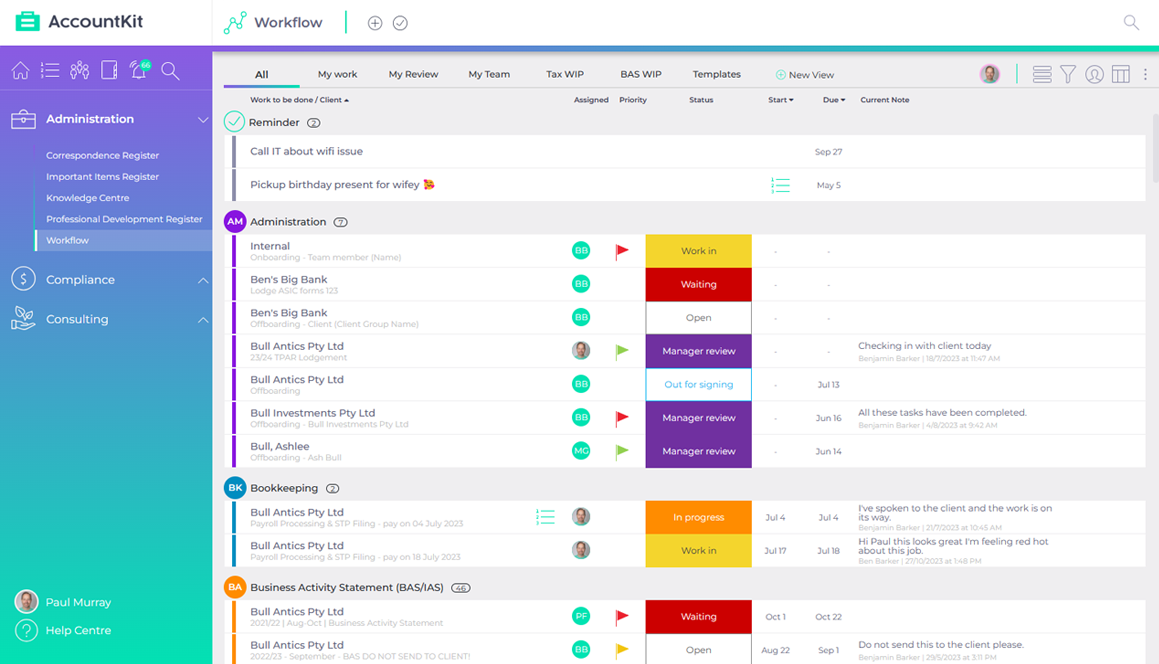
Make ownership visible before work arrives
Review recurring work before the first deadline. Confirm the owner, reviewer, due date and escalation point for every repeat. If a manager cannot see those answers in a few seconds, the team will end up rediscovering them during a busy week.
Keep the language simple and consistent. A small set of statuses that leads to a clear next action is more useful than a complicated workflow no one can read at a glance.
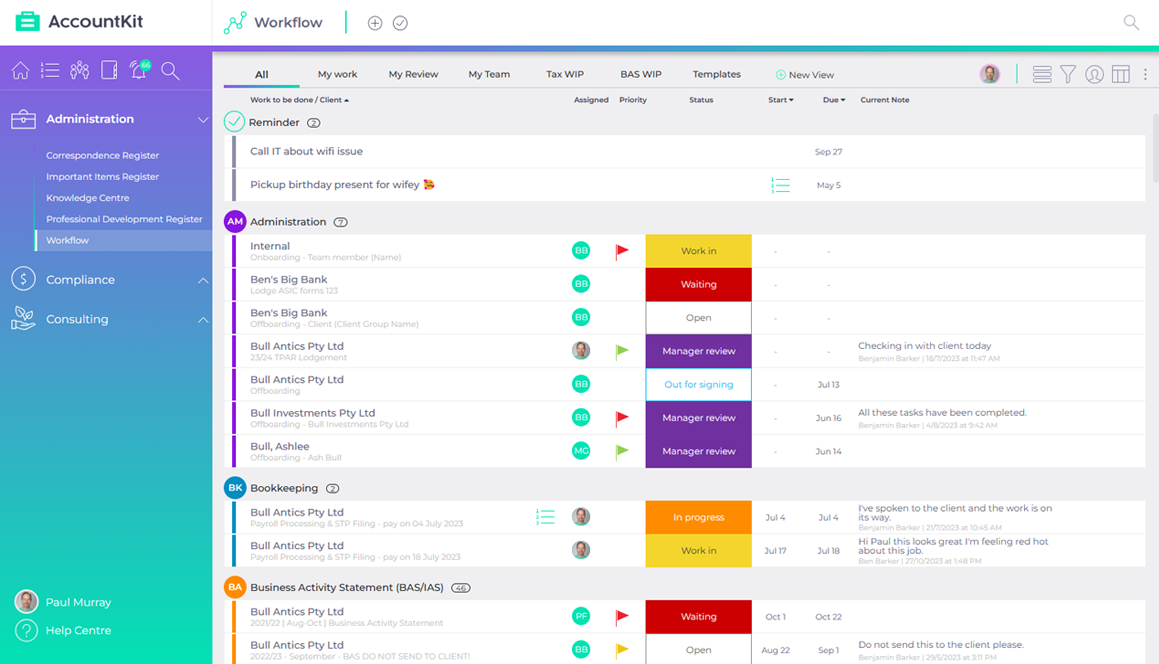
The workflow overview: every job, its owner and where it’s up to.
Tidy the client trail, not every historic file
Start with active client groups and the documents the team needs most often. Make sure the connected folder, correspondence and signing history can be reached from the work. There is no need to migrate or relabel every old file to make the current year easier.
Where documents already live in SharePoint, OneDrive, FYI or another connected system, preserve that source of truth. A good workflow should point people there at the right moment.
Run one simple operating review
Pick a regular time to look at work approaching due, work waiting on a client and work that has not moved. This is not a performance ritual; it is an early-warning check that lets the team unblock jobs while there is still time.
A connected practice view makes that review shorter and more useful because the task, client group and supporting context are already together.